Understanding Laptop Battery Basics
What is a laptop battery and how it stores power
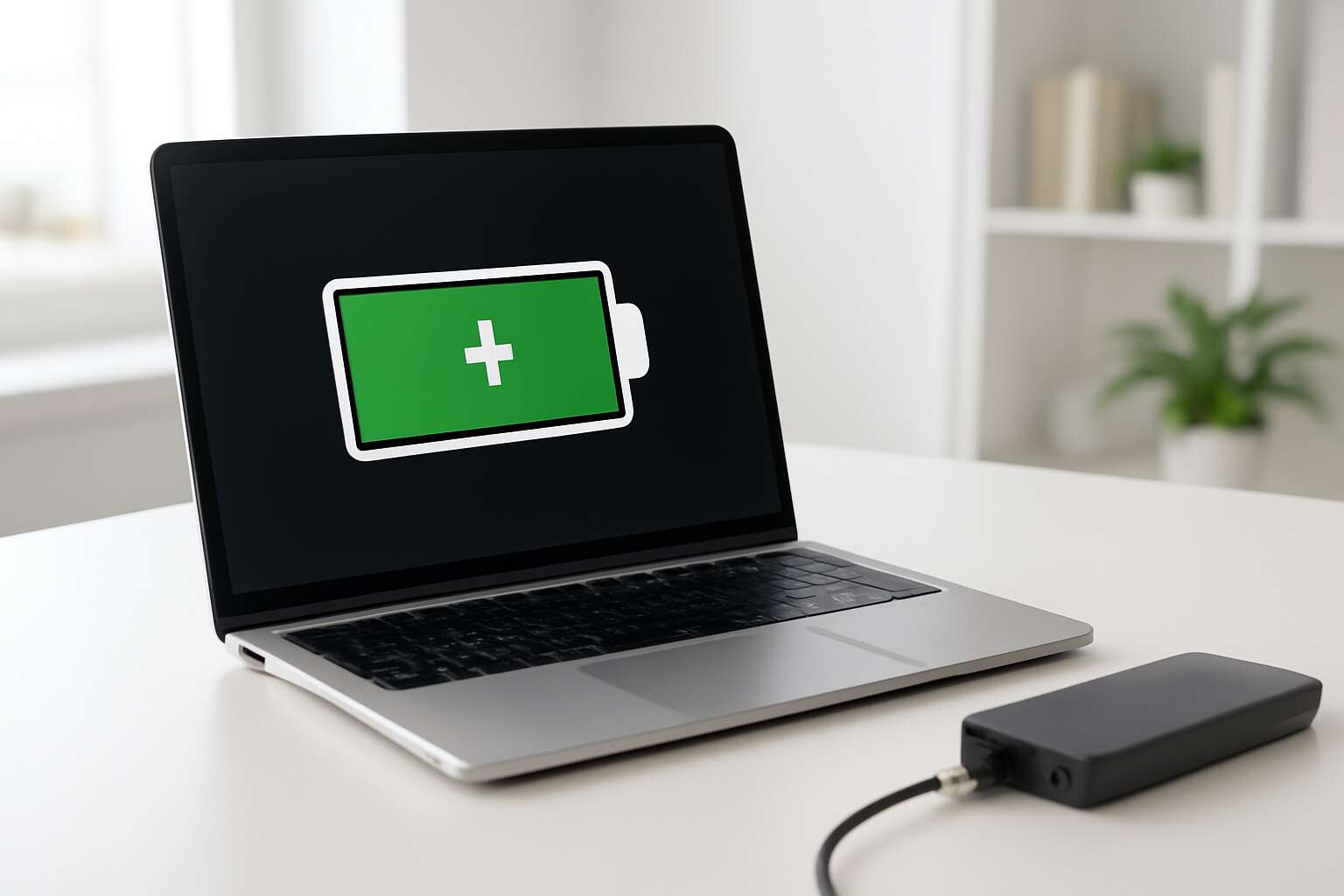
Power outages are more than an annoyance; they derail meetings and scramble deadlines. In South Africa, outages are a fact of life that can turn a productive day into a scramble. A laptop battery is what keeps your work moving when the grid falters. It stores energy until you need it, then hands it to the system on demand!
A modern laptop uses rechargeable cells arranged in packs. Energy is stored as chemical energy, then converted to electrical power by the controller. Capacity is given in watt-hours; your runtime depends on brightness, CPU load, and peripherals. With each charge cycle, you lose a sliver of capacity, so longevity matters.
- Cell chemistry and energy density
- Cycle life and depth of discharge
- Battery management and health monitoring
For a battery backup laptop, knowing these basics helps you pick a model that runs longer between charges and survives more recharge cycles.
Key metrics that define performance: watt-hours, cycles, and efficiency
For a battery backup laptop, three numbers tell the tale: watt-hours, cycles, and efficiency. These metrics turn abstract energy into tangible endurance when the grid falters and deadlines loom.
Key metrics include:
- Watt-hours (Wh) indicate how much energy is stored; higher Wh generally means longer runtime under your typical workload.
- Cycles measure how many full charge-discharge events a cell can endure; more cycles translate to longer-lived capacity.
- Efficiency reflects how effectively chemical energy becomes usable electrical power, shaped by hardware and power management software.
In South Africa’s realities—rural towns and bustling offices alike—the right balance of these numbers keeps essential work moving and reduces the scramble between plugs.
How battery type affects life and performance
Power outages rewrite the map of your workday. For a battery backup laptop, the chemistry matters as much as the charger you carry. In South Africa, grid reliability ranges from rural towns to busy offices, and understanding battery type shapes life and performance.
Two common players fill most laptops: lithium-ion and lithium-polymer. Li-ion packs high energy into a compact frame, delivering longer runtimes but needing cooling. Li-poly spreads energy in slim housings, often resisting swelling and heat better. Both rely on smart charging curves to preserve life.
Ultimately, the type you inherit shapes how a battery backup laptop behaves when the grid falters. Temperature swings and the OS power stack tune performance so you stay on task.
Common misconceptions about battery life
Real-world scenarios where a backup matters
Power schedules are rarely polite, and in South Africa’s bustling workdays that can derail a crucial deal. A recent survey found that four in ten professionals lose valuable minutes to unexpected outages. Understanding laptop battery basics isn’t a luxury—it’s a lifeline. With a battery backup laptop, you command momentum even when the lights dim and the office goes quiet.
Real-world scenarios where a backup matters:
- During a client pitch in a conference hall with no accessible outlets
- Out in the field, where grid power flickers and data must be saved
- On a commuter flight or train, needing work continuity between stops
That reality isn’t a gimmick; it’s a field-tested truth. The right balance of endurance and rapid recovery lets you push through delays, protect unsaved work, and maintain professionalism when the current runs dry.
Choosing a Laptop with Strong Battery Life
Evaluating capacity and chemistry
Power outages are a common scene in many South African offices, where the glow of a screen becomes a lifeline between deadlines and darkness. A well-chosen battery backup laptop turns that moment of fragility into a steadfast companion, preserving meetings, documents, and decisions when the grid falters. In a landscape of sudden outages, dependable endurance is a quiet advantage that keeps momentum from slipping into the void.
When evaluating endurance, focus on capacity and chemistry, not glossy promises. Consider how the device behaves under real workloads and in cooler rooms that preserve longevity. To help, here are the essentials:
- Reserves that outlast typical sessions
- Chemistry that favors stability and cleaner aging
- Efficiency that stays steady across tasks
In South Africa’s varied workspaces, such gear becomes a strategic ally rather than a mere gadget. Reliability translates into momentum across meetings and deadlines.
Interpreting Wh when comparing models
In South Africa’s offices, a sudden outage can turn a deadline into a cliff. A strong battery backup laptop becomes a quiet anchor, especially when you’re interpreting Wh as how much life you squeeze from the battery between plugs. Bigger Wh often translates to longer sessions, but real use and cooling shape the answer.
- Wh rating guides endurance, but not the whole story
- Thermal design keeps performance steady under load
- Real-world testing under mixed tasks reveals true longevity
Choosing a battery backup laptop means weighing quiet reliability against glossy promises, and reading the numbers with your daily rhythms in mind. In practice, expect a model that sustains work through meetings, drafts, and responsibilities without frequent recharges.
Practical battery life benchmarks you can trust
Power outages press deadlines in many SA offices, and a battery backup laptop becomes the quiet anchor when the plug vanishes. “Power is workflow,” a veteran editor likes to say, and the best machines prove it with real uptime rather than glossy promises.
Look for practical benchmarks you can trust. That’s the promise of a battery backup laptop: real-world numbers you can trust. Real-world runtimes under mixed tasks, steady temperatures under load, and consistent performance as the battery drains matter more than factory numbers.
- Real-world runtime under mixed office tasks
- Thermal stability during sustained workloads
- Consistent performance as the charge wanes
In practice, you want a model that supports meetings, drafts, and daily duties without frequent recharges. That balance keeps teams moving when the lights go out in Pretoria, Cape Town, or Joburg.
Portability vs endurance: balancing trade-offs
Power outages press deadlines, and in SA offices the plug pull can ruin a sprint. A battery backup laptop becomes the quiet anchor when the lights vanish. “Power is workflow,” a veteran editor likes to say, and the best machines prove it with real uptime rather than glossy promises. When choosing, weigh portability against endurance and ask how the chassis handles a full day of meetings, drafts, and rapid notes.
To navigate the trade-offs, consider these balance points:
- Ultra-portable designs win on weight and travel time, but may deliver shorter runtimes and warm fans under load.
- Robust bodies with larger batteries trade some slimness for steadier performance as the charge wanes.
Ultimately, this choice is about reliability you can count on. That battery backup laptop stands in for power when the office plugs fail, letting teams keep meetings, drafts, and dashboards moving without drama.
Warranty, service, and battery health considerations
In SA offices where a plug pull can derail a sprint, a reliable battery backup laptop acts as the quiet anchor. Power is workflow, as a veteran editor likes to say, and the best machines prove it with steady uptime rather than glossy promises. Warranty terms, service reach, and a transparent battery health framework keep that uptime credible.
- Warranty length and what it covers for the battery
- Authorized service centers across major South African cities
- Clear policy on battery replacement and spares
- Battery health monitoring and diagnostics support
When you evaluate a device, service ecosystems and long-term reliability outrun flash-in-the-panse specs—that’s why a well-backed battery backup laptop matters for meetings, drafts, and dashboards moving with quiet confidence.
Maximizing Runtime Through Settings and Habits
Power plans, sleep behavior, and display settings
Lightning-hour uptime starts with intention. A well-tuned battery backup laptop feels almost magical when the screen glows through long meetings and sudden outages. I learned early that the right power plan, disciplined sleep behavior, and a restrained display can stretch hours as if by enchantment. In practice, this means choosing a sensible plan, letting the display dim on battery, and nudging the device to sleep after brief idle moments. Here in SA offices and on the move, every watt counts on the quest for reliability.
For a battery backup laptop, these toggles become quiet magic.
- Power plan: Balanced for daily work; Battery saver for longer sessions.
- Sleep behavior: Let the device enter sleep after a brief idle period; keep the display dim on battery.
- Peripherals: Disable unused devices and lower the keyboard backlight to conserve energy.
Small shifts yield big, steady hours.
Managing peripherals, background apps, and tasks
Power holds a strange gravity in South Africa’s offices, where outages drift in like distant thunder. A battery backup laptop drinks the dwindling charge and carries you through deadlines, the screen unblinking and the cursor a patient pilgrim through the night.
Maximizing runtime is a quiet ritual, and I have learned to ease the burden by pruning peripherals, trimming background processes, and letting only the essential tasks breathe. The more you constrain the digital orchestra, the longer the glow endures and the day keeps its rhythm.
Small shifts yield big, steady hours. That is the magic of a battery backup laptop, where discipline tames the night and daylight alike. In the SA workday, patient routines keep the glow alive, guiding you through meetings and outages with a steadfast, almost haunted grace.
Smart charging practices and battery health preservation
Power hiccups in SA offices shape a stubborn truth: a battery backup laptop becomes a silent anchor when the grid falters. ‘Patience is power,’ a veteran project manager likes to say, and that patience is how we keep deadlines breathing through the night.
Maximizing runtime through settings and habits is less trick than discipline. Dim the display, mute nonessential alerts, and let only essential tasks breathe. For a battery backup laptop, these quiet choices turn occasional outages into hours of reliable momentum.
Smart charging practices and battery health preservation are not mere maintenance but a commitment to reliability for a battery backup laptop. In the SA workday, where outages come and go, the glow endures where careful rhythm and steady expectation meet.
Software updates and driver optimization for efficiency
In SA offices, grid hiccups can slice hours from a deadline—unless a well-tuned battery backup laptop stays steady as a heartbeat. Software updates and driver optimization are not luxury; they are the quiet engines that squeeze more runtime from the battery. “Patience is power,” a veteran project manager likes to say, and in practice that patience means letting updates align with hardware for maximum efficiency.
When the operating system and device drivers stay current, it’s frontline armor; efficiency gains arise from streamlined code paths, firmware optimizations, and energy-aware settings baked into OEM utilities. A laptop that marries fresh software with prudent driver choices breathes longer between charges, especially when roaming during outages across South Africa’s offices.
In the daily tempo, a backup laptop thrives when software and firmware choose to conserve power without dulling performance—doors stay open, and momentum carries through the night.
Accessories and Solutions for Battery Backup
Portable chargers and external battery packs for laptops
Power outages are a stubborn rhythm in many corners of South Africa, turning a last-minute deadline into a cliffhanger. A battery backup laptop steps in as a quiet guardian, keeping screens bright and ideas flowing. “Power is the breath of progress,” observes a seasoned IT strategist, and these compact champions lend that breath when it’s most needed.
Accessories matter here: portable chargers and external battery packs for laptops come in a spectrum of capacities, from pocket-friendly days to longer marathons. Seek USB-C PD, pass-through charging, and safety certifications, so power stays with purpose rather than worry.
- Slim packs (20–40 Wh) for daily commutes
- Midrange packs (60–100 Wh) for meetings and travel
- Solar-ready or rugged options for fieldwork
With the right partner, a dependable setup can weather a café blackout or a remote job site, turning fleeting charge into reliable momentum.
Uninterruptible power supplies for home or office
“Power is the breath of progress,” a seasoned IT strategist notes. In South Africa’s rolling outages, a battery backup laptop becomes more than a convenience—it’s a second wind. A reliable uninterruptible power supply (UPS) for home or office keeps your screen alive, protects delicate circuitry, and buys you time to save work when the lights blink out.
Accessories and solutions extend beyond a single box. Look for UPS units with pure sine-wave output, automatic voltage regulation, surge protection, and easy battery replacement. USB-C pass-through helps laptops stay charged during a blackout, while compact, modular designs fit desktop stacks or parked desks.
- Pure sine-wave output for sensitive laptops
- Automatic voltage regulation and surge protection
- Hot-swappable batteries for minimal downtime
- USB-C pass-through and docking compatibility
- Remote monitoring and runtime estimation
With the right combination, you can turn a shadowed afternoon into productive momentum.
Battery-backed docking stations and hubs
Docking stations and hubs extend the reach of a battery backup laptop, turning a single plug into a constellation of power and peripherals. A well-chosen dock delivers USB-C power delivery, multiple video outputs, and robust Ethernet, while offering space for hot-swappable modules that keep you in motion even when the grid stutters. In South Africa’s outages, you want reliability that feels almost invisible—where your screen stays bright and your work persists without drama!
- Modular, hot-swappable battery modules for minimal downtime
- USB-C pass-through, docking compatibility, and fast data transfer
- Remote monitoring and firmware updates for proactive health
Pairing these accessories with your laptop transforms travel and desk work into a smooth cadence of power and performance, a sanctuary for focus amid blackout rhythms.
Travel tips for staying powered on the go
Power is the quiet engine of your day, and in South Africa’s grid rhythms it matters more than ever. When I travel between towns, a well-curated set of accessories turns a battery backup laptop from a worry into a dependable companion—from the airport lounge to a friend’s kitchen desk.
On the go, prioritize compact USB-C PD power banks, a rugged carry sleeve, and a light docking solution that travels. This trio keeps your screen bright and your files syncing even when mains are scarce. With this setup, your battery backup laptop can endure longer travel days.
- A high-capacity USB-C PD power bank with multiple outputs offers flexibility on the move.
- A travel-friendly USB-C charging cable set and a universal adapter reduce friction when outlets are scarce.
- Preloading critical work files for offline access and keeping software updated minimizes downtime.
Empathy-driven materials and smart charging planning blend practicality with peace of mind as you move between towns.
Choosing the right backup setup for your use case
Power is the quiet engine of mobility, and in South Africa it often drives the day. Consider this: 72% of professionals rely on a battery backup laptop to keep meetings humming when outlets are scarce. In cafés, airports, and late-night client calls, a planned charge becomes your daily compass.
Choosing the right backup setup hinges on your travel footprint and workload. The essentials often ride together:
- High-capacity USB-C PD power bank with multiple outputs for simultaneous devices
- Rugged carry sleeve to protect your gear in transit
- Light, travel-friendly docking solution that stays tucked in a bag
That trio keeps the device ready from first light to last light, turning scarce mains into reliable power. Add a universal adapter and a compact cable set to handle varied outlets, and watch productivity travel far beyond the socket.
Maintenance, Warranty, and Aftercare
Battery replacement timing and options
Power outages are a daily reality in South Africa, and a reliable battery backup laptop is more than a gadget—it’s a lifeline. When mains fail, your work stays on, deadlines stay intact, and data remains secure.
Maintenance keeps the back-up heartbeat strong: keep vents clear, avoid heat, and calibrate occasionally. A quick firmware check and gentle health monitoring prevent surprises when you need the machine most.
Warranty matters. Check coverage for battery wear, keep receipts, and register the device. A supported replacement can save time, money, and frustration when the power finally coughs.
When it’s time to replace, timing counts. If runtime shrinks or health flags drop, explore options.
- Manufacturer-approved replacement battery
- Certified service center replacement
- Self-replacement only for models designed for user swap
Understanding warranty coverage for batteries
“Power is a fickle companion,” as the saying goes—especially in South Africa, where outages stalk the workday like a bad deadline. A reliable battery backup laptop becomes more lifeline than gadget, deserving respect through proper maintenance, vents clear, and firmware kept tidy.
Warranty matters: understanding coverage for battery wear, receipts, and registration saves heartbreak when the power coughs. Look for manufacturer-approved replacements and service centre options. Common coverage items include:
- Battery wear and performance loss
- Defect coverage and service options
- Transferability and warranty period
Aftercare keeps the glow alive: periodic calibration, heat avoidance, and software updates. Treat your battery backup laptop well, and it will treat your deadlines with similar courtesy—and maybe even a touch of flair.
Routine maintenance and monitoring battery health
Power is a fickle companion—especially in South Africa, where outages pace the workday. Maintenance for a battery backup laptop means keeping its heart responsive: vents clear, firmware tidy, and health metrics watched with a patient eye.
- Ventilation and cooling balance
- Firmware updates and driver health
- Battery health metrics and cycle tracking
Warranty matters: understanding coverage for battery wear, receipts, and registration saves heartbreak when the power coughs. Look for manufacturer-approved service centers and transferability. Common coverage items include:
- Battery wear and performance loss
- Defect coverage and service options
- Transferability and warranty period
Aftercare keeps the glow alive: periodic calibration, heat avoidance, and software updates. Treat your battery backup laptop well, and it will honor deadlines with grace—and perhaps a hint of magic.
What to do when health declines and performance drops
Power is not a luxury—it’s a deadline that keeps you on schedule. When a battery backup laptop falters, you feel it in the creeping lag and sudden pauses during outages. Health declines become a tale told by three pillars: maintenance, warranty, and aftercare, each offering a different remedy to keep you moving.
- Diagnostics: track long-term health metrics, cycle counts, and heat trends to sense drift before it becomes a problem.
- Coverage: confirm warranty terms, service options, and transferability to avoid heartbreak when repairs loom.
- Care routines: calibration, thermal awareness, and software hygiene that sustain reliability.
With this triad in balance, even a fading system can meet deadlines and weather the dark.



0 Comments